For cafés, bars and small restaurants
Your venue. Smarter.
Menus, guests, reservations and AI — finally in one place.
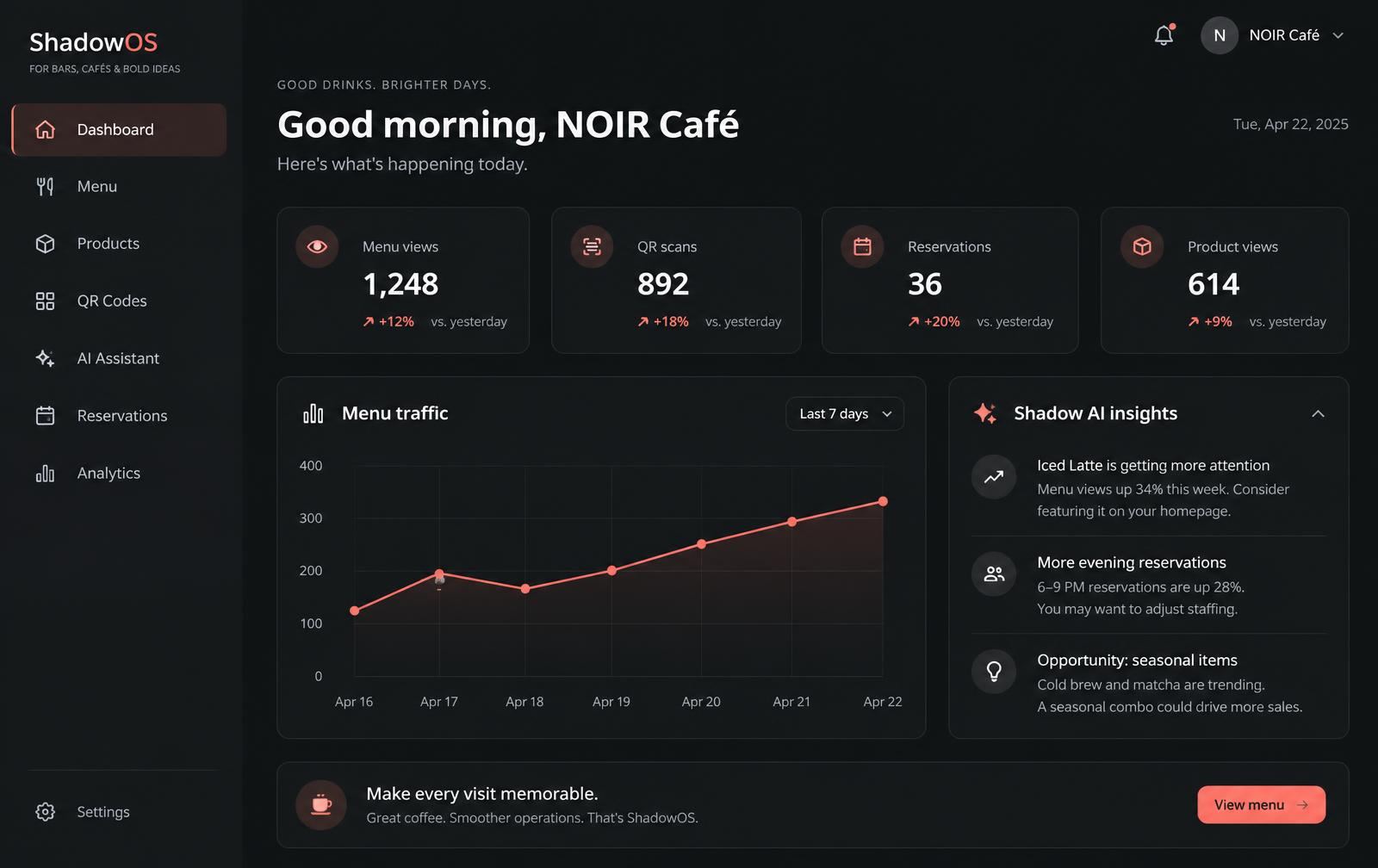
Running a venue means juggling five tools.
- A PDF menu that's out of date the moment a price changes.
- A QR code generated once, by someone who has since left.
- Reservations spread across phone calls, messages and a paper book.
- No idea which products guests actually look at.
DINEO is one system.
- One menu, edited in seconds, live everywhere.
- QR codes you can name, print and measure.
- Reservations in one list with clear statuses.
- An assistant that answers from your own data.
- Table orders and secure card payments, with a live list for your team.
- Phone alerts for new reservations, replies and venue requests.
- Sales reports, vouchers and loyalty rewards in one place.
Everything a venue needs, nothing it doesn't.
Menu that updates instantly
Categories, prices, photos, allergens. Hide a sold-out product and guests see it right away.
QR codes per area
One code for the terrace, one for the bar. Download, print, and see which one gets scanned.
An assistant that knows your venue
Guests ask about allergens or hours. You ask what to promote. Both answers come from your real data.
Reservations without phone tag
Guests request a table from your menu. You confirm, complete or mark a no-show in one tap.
Eight languages
Write once. DINEO AI drafts translations and never overwrites the wording you edited yourself.
Numbers you can act on
Menu views, scans, popular products, peak hours — measured, never estimated.
Import a menu from a photo
Upload a photo of your price list. Review the extracted products, prices and categories before saving.
Separate food and drinks
Restaurant food menus and drink price lists are separate, with optional photos beside dishes.
Live table orders
Guests scan a table QR code, order and pay. Your team follows paid orders and updates their status.
Payments to your venue
Connect your venue through Stripe’s guided setup for payouts to its bank account. Guest payments stay separate from your DINEO subscription.
Paid-order analytics
Track monthly revenue, order counts, top products and busy hours using paid table orders.
Phone notifications
When enabled on a supported device, owners receive new-booking alerts, guests receive replies, and the administrator receives venue requests.
Vouchers and discounts
Create discount codes with validity dates, minimum spend and usage limits for table checkout.
Digital loyalty cards
Reward returning guests with stamps and rewards. Guests follow their progress from their account.
Your team and public profile
Manage staff access, upload venue photos, and publish opening hours, events and offers on your venue profile.
Features depend on the selected plan. Table ordering requires Business and enabled payments. Phone notifications require permission on a supported device; on iPhone, add DINEO to the home screen.
How it works
- 01
Set up your venue
Name, hours, currency and languages in a short wizard.
- 02
Add your menu
Categories and products, with photos and allergens.
- 03
Print your QR codes
Put them on tables and at the entrance.
- 04
Watch what guests do
Views, scans and reservations arrive in your dashboard.
DINEO AI, grounded in your venue
It reads your menu, prices, hours and activity — nothing else. Guests get honest answers about ingredients and availability. You get practical help writing descriptions, translating them and understanding your week. When it doesn't know, it says so.
Guest asks
“Do you have anything without dairy?”
Owner asks
“Which products should I promote this weekend?”
Simple plans, no surprises
Starter €19, Pro €39, Business €79 per month.
Compare plansQuestions
- Do I need any technical knowledge?
- No. Setup is a short wizard, and everything after that is editing text and prices.
- Do guests need to install anything?
- No. Scanning your QR code opens your menu in any phone browser.
- Can I run more than one venue?
- Yes, on the Business plan. Each venue keeps its own menu, staff and data, fully separated.
- What does the AI actually use?
- Only your venue's own information and activity. If it doesn't know something, it says so instead of guessing.
Set up your venue in ten minutes.
Start free, add your menu, print your first QR code today.
Start free